How I built an AI-native product design process
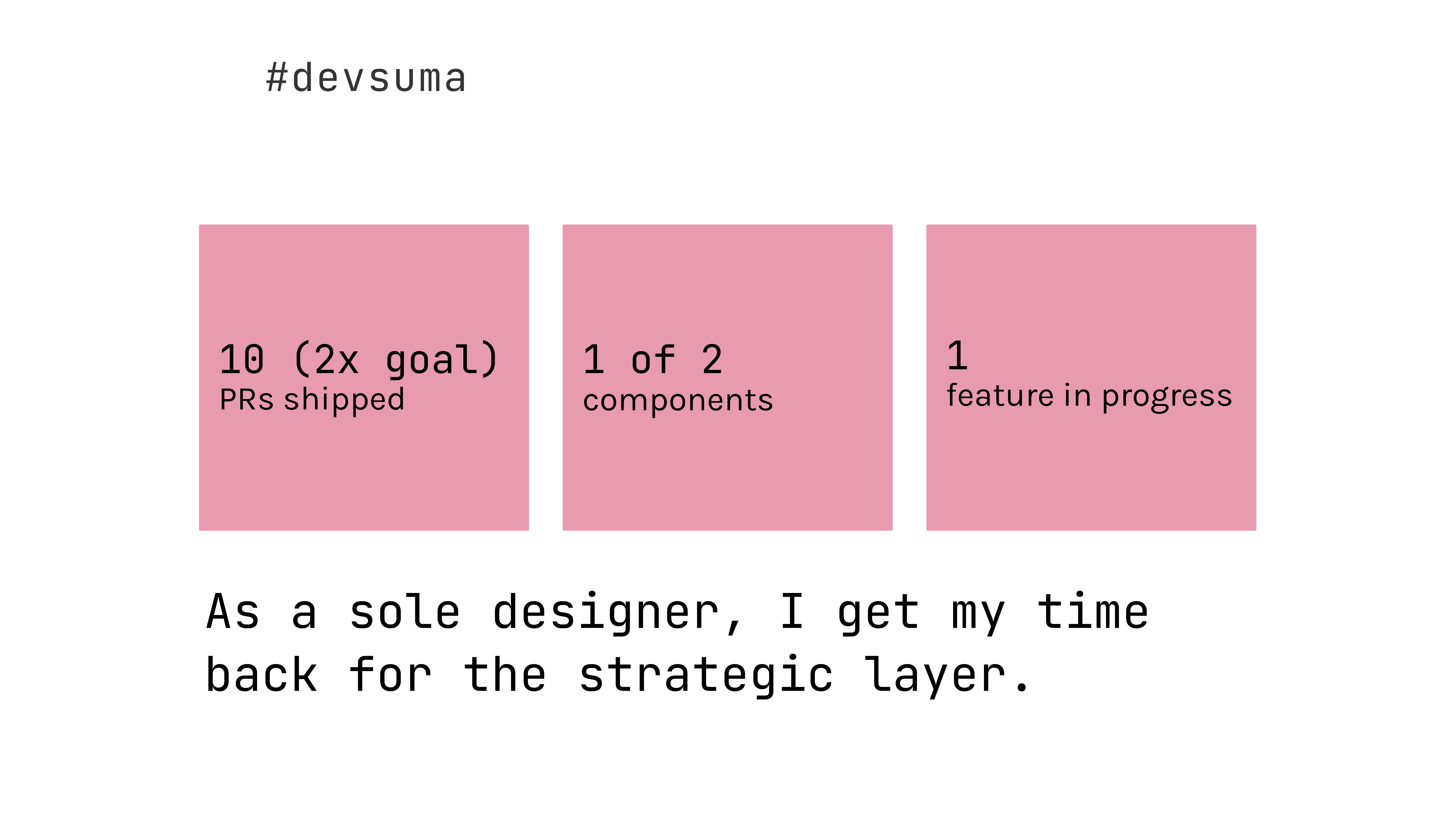
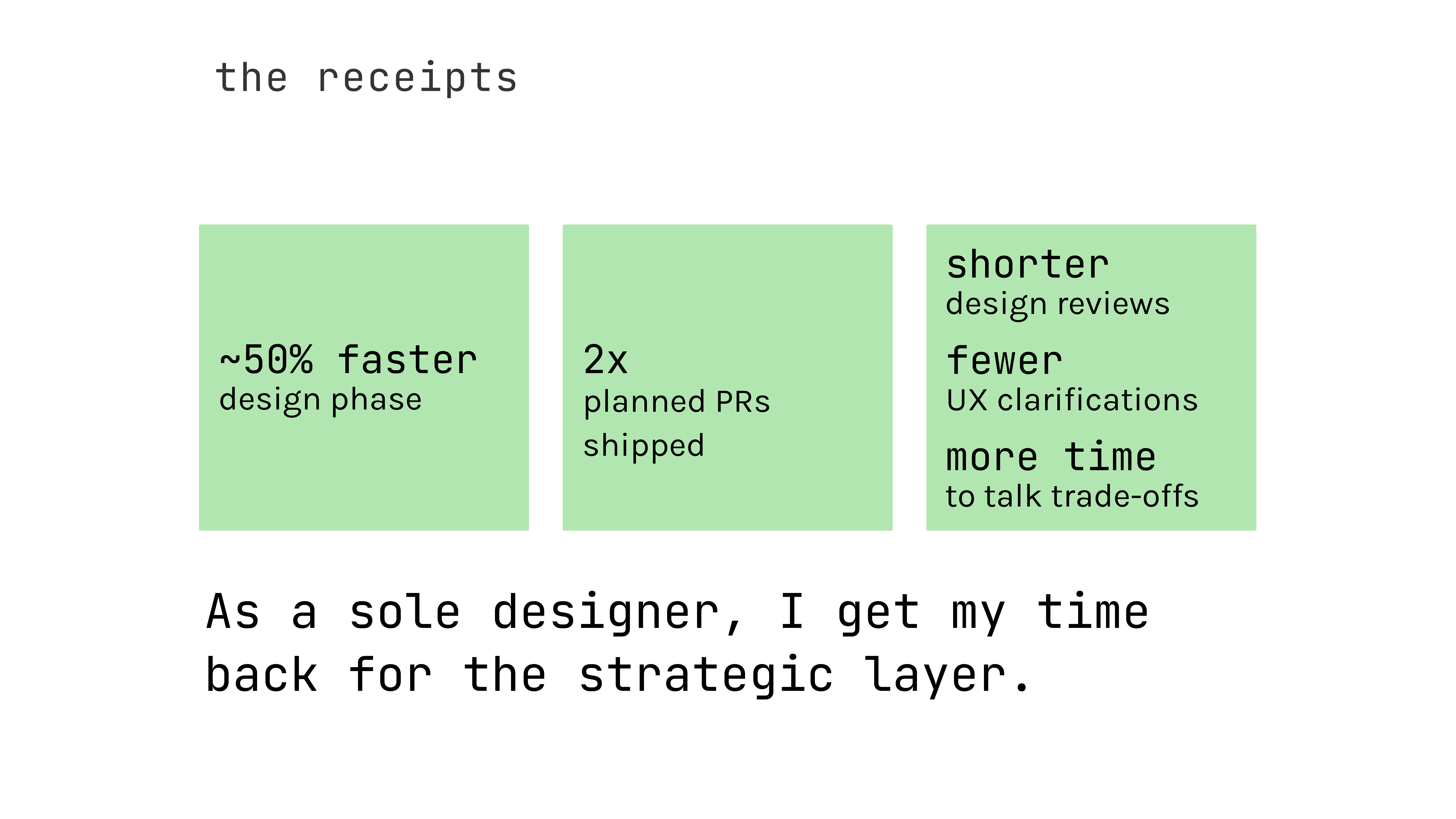
I built an AI-native design-to-engineering pipeline, turning a sole-designer bottleneck into a pipeline where design system maintenance, documentation, prototypes, and front-end code all generate from a single source of truth. Reduced design phase time by ~50% and shipped 10 design-authored PRs, freeing engineer bandwidth.
keeping pace with engineering
Pilotly does market research for studios like Amazon, Disney, and Netflix, where we deliver insights on their tested content.
While Pilotly does market research, a big part of our company culture is to stay at the forefront of technological innovation. Being part of a smaller team makes that much easier. We were able to try new things and change how we work pretty flexibly.
Engineering was riding that wave and had 3x’d their output by leaning into AI tooling. As sole designer, I wanted to keep pace.
At the same time, our design-to-engineering pipeline carried structural debt: documentation lagged the product, handoff was static annotated screens, and the codebase wasn’t built around a design system. The entire handoff process took more effort and still led to questions during development.
In Q1 2026, we set a design OKR:
To read about how the rest of our team leveled up using AI, read my VP of Product, Joseph Audette’s, piece here: https://josephaudette.com/work/ai-transformation-pilotly.
becoming #devsuma
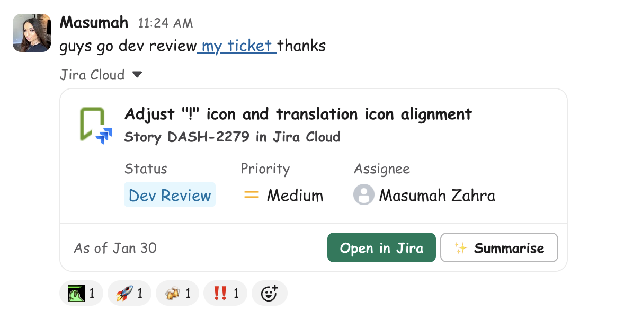
Let’s rewind before 2026, to November 2025: With the team hyped on AI, I talked with the product team about whether I could get into Claude. The thought was practical: if I could fix small visual polish myself, design reviews would go by faster and engineers could focus on architecture and product.
I set three key results: ship 5 design-authored UI improvement PRs, bring two core UI components into the codebase, and deliver a feature.
Once I grasped the actual workflow engineers go through-- how components get made, how much context Claude needs, the extent of Claude's capabilities-- we brainstormed different opportunities AI could really help, like setting up our design system and documentation to help produce front-end code entirely.
how did we get to an “AI-Native” design process?
Each phase opened the door to the next, often because I kept up with Claude or Figma’s MCP shipping new capabilities.

cleaning up the design system
Our “design system” was a project we had been wanting to upgrade for a long time, but before AI, it was a huge task— lack of bandwidth across design & engineering made it almost impossible with other priorities.
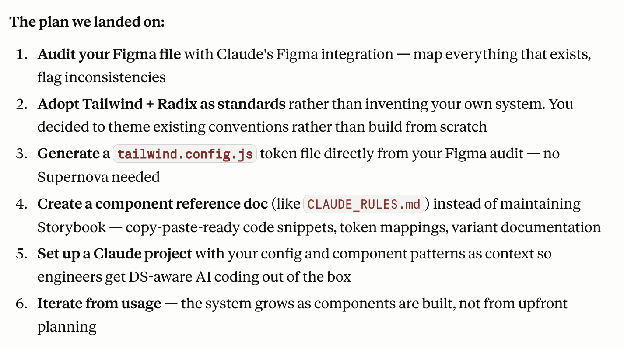
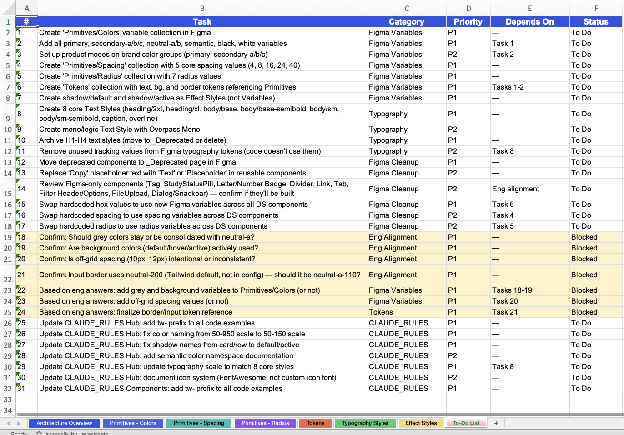
I had Claude cross-reference every Figma component against actual usage in our codebase. Orphaned components got pruned, misplaced ones got re-homed. I unified design tokens into a single tokens.json so the system and the codebase finally spoke the same language.
documentation that refreshes itself
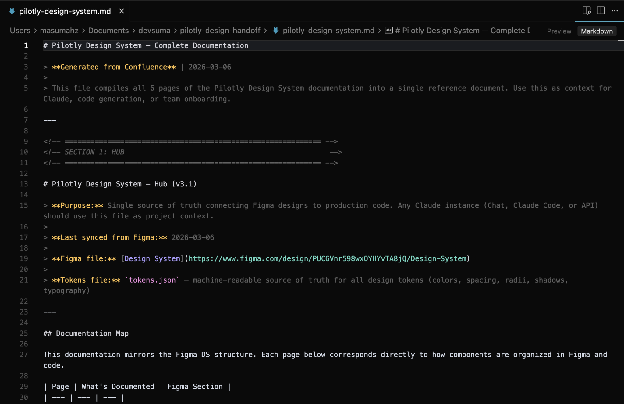
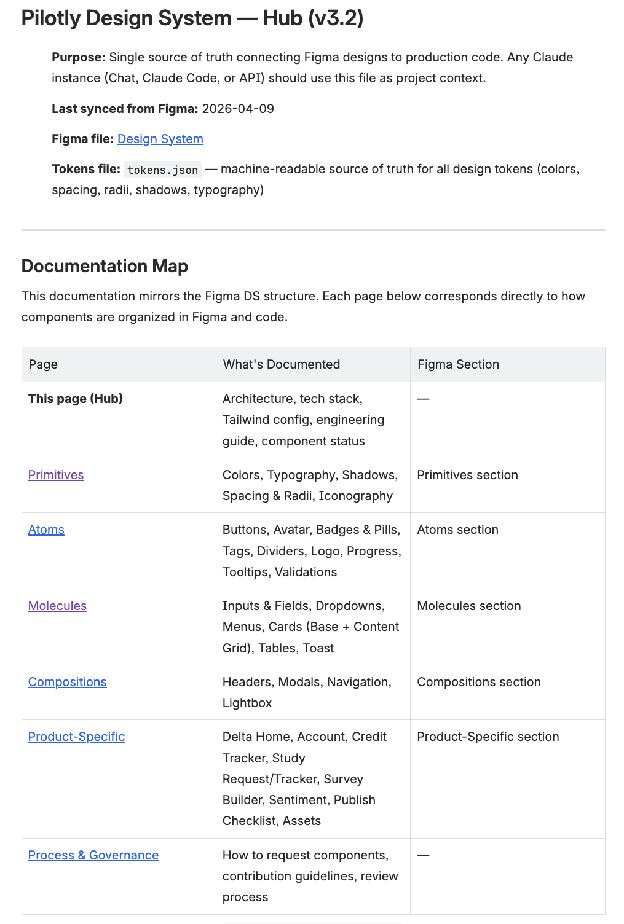
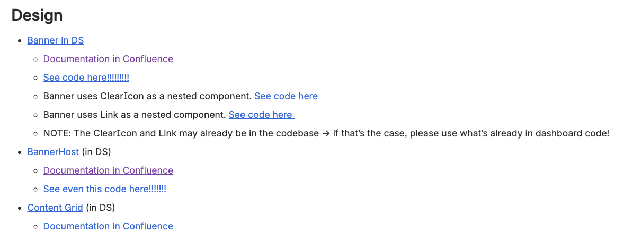
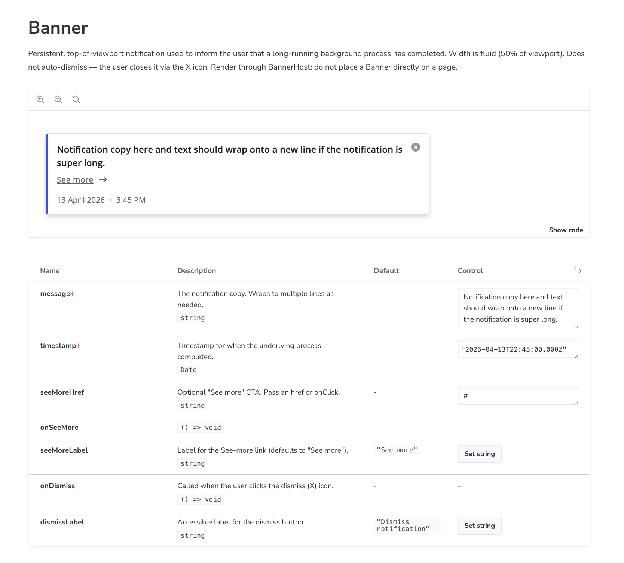
With the system clean, Claude generated component and token documentation and pushed to Confluence. Documentation used to live in three places (Figma, scattered docs, my head). Any time there’s a change, I can ask Claude to push that update up— AKA no more manual work for me! So satisfying.
interactive design reviews
When I finally got to THIS phase, I got really excited.
Using the Figma MCP, Claude can read hi-fi designs and produce interactive Storybook prototypes. New feature scoping is now reviewed on a prototype, not on static screens.
generating UX flows and code
Mid-quarter, Claude and Figma updated their MCP so Claude could create designs, not just read them.
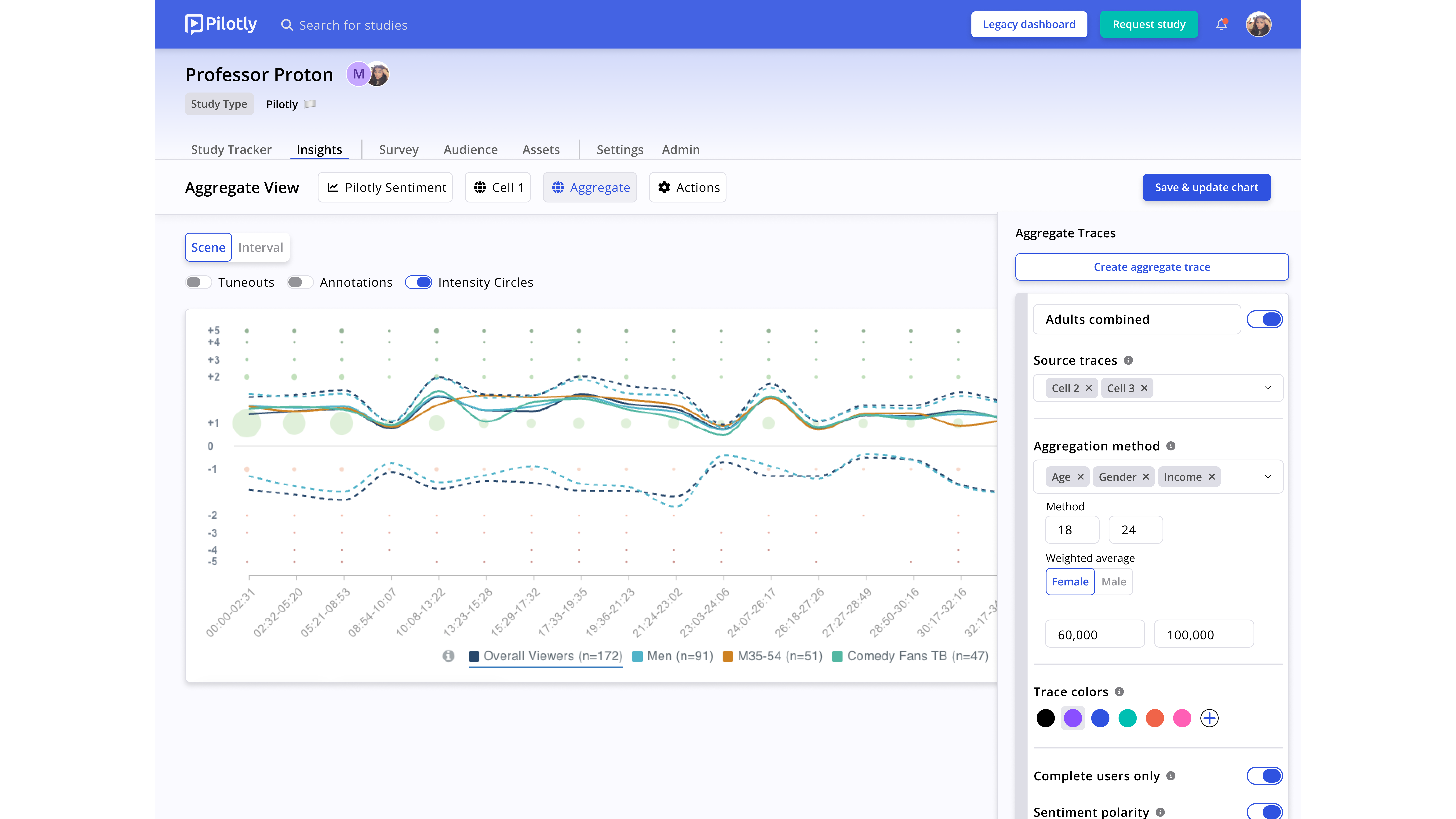
Luckily, I had a new feature coming up to design for. I gave it a simple prompt, and it generated designs and a flow in Figma accurate to the design language I created at Pilotly. For a feature of this level, design would take 7-10 days to brainstorm, ideate, and align with stakeholders. With this method, ideating and sharing with stakeholders took 3-5 days.
However, I tried to turn that into a Storybook prototype, but I didn't get as accurate of results. That’s because the designs it created weren’t using the components documented in Confluence.
The lesson, mid-experiment: working from documented components produces dramatically better output than generating from a vague prompt. The cleaner the context, the better the output.
how can i get my code to engineers?
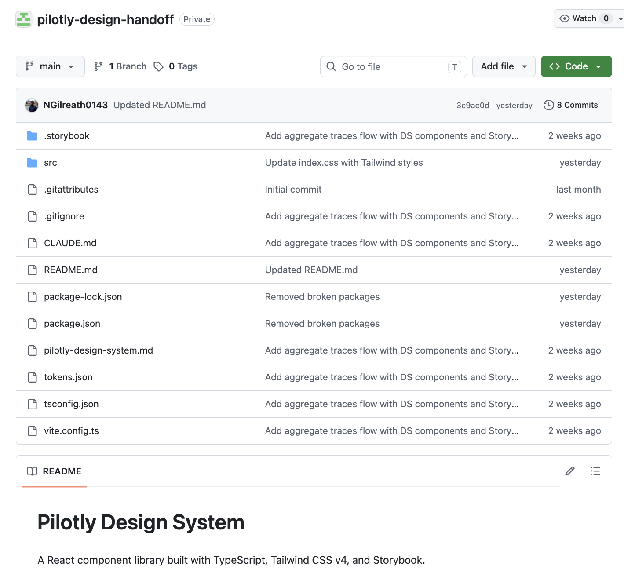
To start to answer that question, I decided to start small with a simple, Claude-authored simple component. I documented, coded it, and pushed it up to a new “handoff” repo I made.
The idea here is: When an engineer picks up a ticket, they pull from a repo and find the PRD, static designs, Confluence docs, and a working code starter — all generated from a system that’s already in sync.
This repo is the proof point for taking on larger feature work using this process, or even better, becoming a stepping stone for creating our actual design system for engineers in the code. It creates an opportunity for process and governance; catching errors, missing states, ambiguous spacing, or unclear interaction logic by component in the design system rather than during a feature build.
initial reception
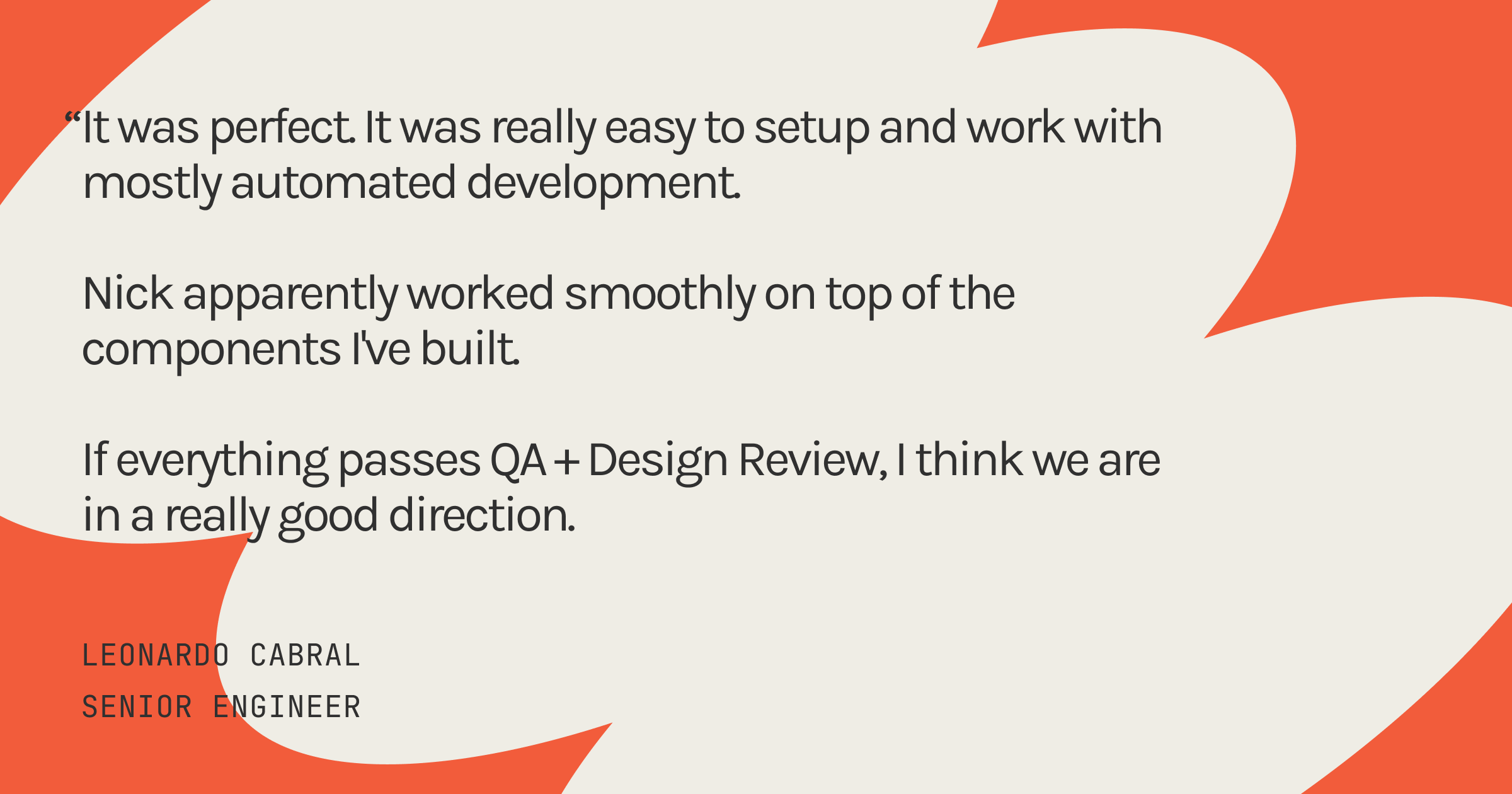
Our engineers use Claude in their normal work too, and they’ve started reporting that the code their Claude produces is noticeably better when the shared context is right there. The pipeline is amplifying engineering output without anyone changing how they work.
non-engineers building a feature
We have a new feature coming up in our roadmap, and my PM and I thought it was the perfect time to see if we can build a feature using this “AI-process” – our first big girl task.
So, I created the designs (with Claude’s help) and added all of the components to our documentation.
What I’m testing here is whether the pipeline scales from a single component to a full feature. My hypothesis: a combination of a PRD, documented components, and the tokens.json file should help give Claude enough context to write production-ready code.
Two non-engineers (a product designer and a product manager) – building a pillar feature for a production dashboard, using documented components, Figma MCP, and Claude. That is the fastest answer I have to “does this process actually scale.”
We’re still in progress. It might end with us shipping it, it might end with engineering pulling it across the finish line. Either outcome will teach us whether non-engineers can ship a pillar feature through this pipeline.
AI’s impacts
lessons from the lab
I’m not nervous about AI “replacing” design. AI speeds up a lot of otherwise tedious parts of design, like generating documentation, synthesizing data, and being a collaborator in some respects.
I am the type of person that values structure, professionally and personally. If it doesn’t exist, I’ll create it for myself. Similarly, AI needs structure and context to be a reliable tool.
It also needs human judgement to generate usable output. Organizations will still need humans to understand their users, be able to make sound tradeoffs, empathize, and understand research deeply. AI is a tool to unlock another level of productivity.
AI didn’t replace any phase of design — it compressed the mechanical layer so I could spend more time in the strategic one.
Stable foundations make AI useful. Without Phase 1, none of this would have worked.
None of this came at the expense of quality.
where i see this going
Where this is headed: a designer or PM brings a DRD or PRD. Claude returns multiple UX flow options in Figma (or now, in Claude Design!), drawn from documented components and patterns. Design will refine. Code will generate. Engineering picks up tickets with something that already speaks the codebase’s language.
AI is the foundational layer of how we work.
I’ll write the next version of this piece when Build Audience ships.

 see my work →
 read project no. 2